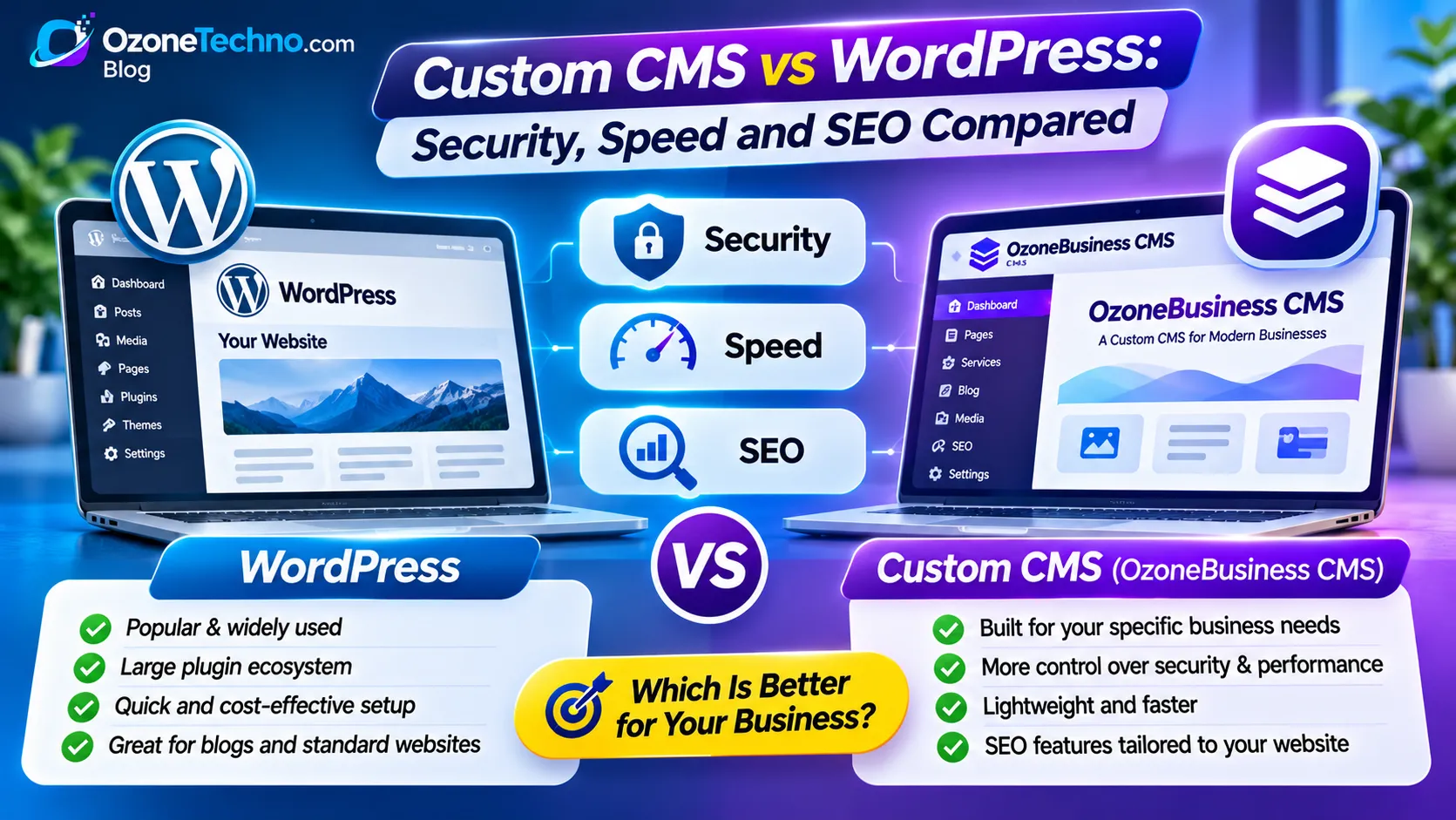
Custom CMS vs WordPress: Security, Speed and SEO Compared
Choosing the right content management system (CMS) is an important decision when building a business website. Your CMS affects how your website is developed, managed, secured, optimized, and expanded as your business grows.
WordPress is one of the most widely used website platforms, offering thousands of themes and plugins. It is a flexible solution for blogs, business websites, online stores, and many other projects.
However, WordPress isn't the only option.
A custom CMS can offer a different approach. Instead of relying on a general-purpose platform with additional plugins and themes, a custom CMS is developed around the specific requirements of a business.
But which option is better?
In this guide, we'll compare custom CMS vs WordPress across three important areas: security, website speed, and SEO. We'll also explore their development costs, flexibility, maintenance requirements, and which solution makes sense for different types of businesses.
What Is WordPress?
WordPress is an open-source content management system that allows users to create and manage websites without building everything from scratch.
It provides a core publishing platform that can be extended through themes and plugins.
Common WordPress features include:
Content and page management.
Blog publishing.
Media library.
User and role management.
Website themes and templates.
Plugin integrations.
SEO tools.
eCommerce functionality through WooCommerce.
WordPress is popular because it offers flexibility and a large ecosystem of developers, themes, plugins, and resources.
For many businesses, it provides an affordable and practical way to establish an online presence.
However, the final performance and security of a WordPress website depend on the theme, plugins, hosting environment, configuration, and ongoing maintenance.
What Is a Custom CMS?
A custom CMS is a content management system developed specifically for a particular business or set of requirements.
Unlike a general-purpose platform, a custom CMS can be designed around the features that a website actually needs.
For example, a company website may require:
Custom page management.
Service and portfolio management.
Blog publishing.
Contact form submissions.
Appointment enquiries.
Custom user permissions.
SEO settings.
Media management.
Website analytics integration.
Instead of installing multiple plugins to provide these features, developers can build the required functionality directly into the CMS.
A custom CMS can be developed using technologies such as PHP, MySQL, JavaScript, and other suitable frameworks or programming tools.
The objective is to create a system that is efficient, manageable, secure, and aligned with the business's requirements.
Custom CMS vs WordPress: Quick Comparison
Here is a general comparison of both approaches.
| Feature | WordPress | Custom CMS |
|---|---|---|
| Development | Ready-made platform | Developed around requirements |
| Customization | Themes and plugins | Custom-built functionality |
| Security | Requires ongoing updates and configuration | Depends on secure development and maintenance |
| Speed | Depends on theme, plugins, hosting, and optimization | Can be optimized for required functionality |
| SEO | Strong plugin ecosystem | SEO features can be built directly |
| Plugins | Large plugin ecosystem | Custom integrations |
| Maintenance | Core, theme, and plugin maintenance | Developer or provider maintenance |
| Flexibility | High, within platform architecture | High, within the designed architecture |
| Initial cost | Often lower | Usually higher |
| Long-term development | May involve plugin and theme dependencies | Can evolve around business requirements |
Important: Neither platform is automatically better in every situation. A poorly developed custom CMS can be slower and less secure than a properly maintained WordPress website.
Let's look at the three most important areas in more detail.
1. Security: Custom CMS vs WordPress
Website security is a major concern for businesses. A compromised website can lead to malware infections, unauthorized access, data exposure, spam pages, and business disruption.
WordPress Security
WordPress itself has an established security development process. Its core software receives updates, and security issues are addressed through official releases.
However, a typical WordPress website may include several additional components:
WordPress core.
Third-party themes.
Multiple plugins.
Custom code snippets.
External integrations.
Hosting and server software.
Every additional component needs to be selected carefully and maintained.
Common WordPress security risks include:
Outdated plugins and themes.
Abandoned or poorly maintained extensions.
Weak administrator passwords.
Excessive user permissions.
Insecure hosting configurations.
Vulnerable custom code.
Poor backup and recovery procedures.
The WordPress security handbook recommends keeping WordPress and installed plugins and themes updated, using trusted software, and following appropriate security practices.
Official guide: https://developer.wordpress.org/advanced-administration/security/
Custom CMS Security
A custom CMS can be designed with a smaller and more controlled application structure.
For example, if a business only needs page management, blog publishing, contact forms, and SEO settings, the CMS can be developed around those requirements.
This can reduce unnecessary functionality and avoid dependencies on extensions that the website doesn't need.
A professionally developed custom CMS should include:
Secure administrator authentication.
Password hashing.
Role-based access control.
CSRF protection.
Input validation and output escaping.
Prepared database queries.
Secure file upload handling.
Protected administrative routes.
HTTPS configuration.
Regular backups.
Security updates and monitoring.
However, custom development does not automatically make a website secure. The code must be reviewed, tested, maintained, and updated as new vulnerabilities and requirements emerge.
Which Is Better for Security?
A custom CMS may offer more control over the application structure, installed components, and administrative functionality.
WordPress offers an established security ecosystem and documented hardening practices.
The better choice depends on development quality, maintenance, hosting, and security management.
Our recommendation: Choose a custom CMS when you need a controlled application with specific functionality and a reliable development team to maintain it. Choose WordPress when you need its established ecosystem and can maintain its core, themes, and plugins properly.
2. Website Speed: Which Platform Is Faster?
Website speed affects how visitors experience your business online.
A slow website can frustrate users, increase abandonment, and make important interactions less enjoyable.
Google also recommends paying attention to Core Web Vitals, which measure loading performance, responsiveness, and visual stability.
WordPress Performance
WordPress can deliver excellent performance when properly developed and optimized.
However, website speed can be affected by:
Heavy themes and page builders.
Too many plugins.
Unnecessary JavaScript and CSS.
Large, unoptimized images.
Poor database queries.
Excessive external scripts.
Inadequate hosting resources.
Incorrect caching configuration.
For example, a simple business website might only need a few essential features. But if it uses a large theme, several plugins, multiple page builders, and unnecessary scripts, it may load more resources than required.
This doesn't mean WordPress is inherently slow. A lightweight theme, carefully selected plugins, optimized assets, and suitable hosting can produce a fast website.
Custom CMS Performance
A custom CMS gives developers greater control over the application's structure.
Instead of loading functionality intended for many different types of websites, developers can build around the features a particular business needs.
Potential advantages include:
Less unnecessary application code.
Fewer third-party dependencies.
More focused database queries.
Lightweight page templates.
Controlled JavaScript and CSS.
Custom caching strategies.
Optimized image delivery.
Better control over server-side processing.
For example, a corporate website may only require a homepage, service pages, about page, contact page, and blog.
A custom CMS can be designed specifically for that structure rather than carrying functionality intended for an entire ecosystem of possible website types.
However, custom code can also become inefficient if it is poorly designed or developed.
Core Web Vitals: What Should You Measure?
Regardless of the CMS, monitor these three important Google performance metrics:
| Metric | What it measures | Good target |
|---|---|---|
| LCP | Loading performance | 2.5 seconds or less |
| INP | Interaction responsiveness | Less than 200 ms |
| CLS | Visual stability | 0.1 or less |
These are Google's recommended good-performance thresholds, assessed at the 75th percentile of page visits.
You can monitor performance through Google Search Console and test individual pages using PageSpeed Insights.
Official reference: https://developers.google.com/search/docs/appearance/core-web-vitals
Which Is Better for Speed?
A well-developed custom CMS can have a performance advantage when the website has specific requirements and unnecessary functionality is avoided.
But a properly optimized WordPress website can also be extremely fast.
Our recommendation: Don't select a CMS based only on claims that it is fast. Test the actual website, examine its code and assets, and measure real performance.
3. SEO: Which CMS Is Better for Google Rankings?
Search engine optimization is essential for businesses that want to attract visitors through Google.
Your CMS should make it easy to publish useful content, organize pages, manage metadata, and maintain a search-engine-friendly website structure.
WordPress SEO
WordPress offers a strong SEO ecosystem.
Businesses can use plugins such as Rank Math and Yoast SEO to manage important SEO settings.
Common features include:
SEO titles and meta descriptions.
XML sitemap generation.
Canonical URLs.
Schema markup options.
Social sharing metadata.
Breadcrumbs.
Content optimization suggestions.
Redirect management.
WordPress also allows developers to customize URLs, page templates, headings, internal links, and other SEO-related elements.
For businesses that publish articles frequently, its content management interface can be particularly useful.
Custom CMS SEO
A custom CMS can provide SEO functionality directly within its administrative dashboard.
For example, an SEO settings section can allow administrators to manage:
Page SEO titles.
Meta descriptions.
Focus keywords for editorial planning.
Canonical URLs.
Open Graph titles and descriptions.
Image alternative text.
XML sitemaps.
Robots directives.
Structured data.
Redirects.
Custom URL slugs.
A custom CMS can also generate clean URLs and provide complete control over page templates, headings, internal linking, and technical SEO implementation.
The advantage is that SEO functionality can be designed around the actual needs of the website rather than depending on multiple plugins.
Does Google Prefer WordPress or Custom CMS?
No. Google does not award higher rankings simply because a website uses WordPress or a custom CMS.
Search performance depends on many factors, including:
Helpful and relevant content.
Technical accessibility.
Website structure.
Page experience.
Mobile usability.
Internal linking.
Search intent.
Relevant external references and links.
Google's SEO Starter Guide recommends organizing websites logically and using descriptive URLs to help users and search engines understand website content.
Official guide: https://developers.google.com/search/docs/fundamentals/seo-starter-guide
Which Is Better for SEO?
Both platforms can support excellent SEO.
WordPress is convenient because many SEO features are available through established plugins.
A custom CMS offers more control over how those features are implemented and managed.
Our recommendation: Choose the platform that gives you reliable control over technical SEO while making it easy to publish and maintain high-quality content.
4. Flexibility and Customization
Another important difference is how each platform handles business-specific requirements.
WordPress
WordPress supports extensive customization through themes, plugins, custom post types, and custom development.
This makes it suitable for many different projects.
However, complex customization may introduce dependencies between plugins, themes, and custom code.
If several extensions are responsible for different parts of the website, updates and compatibility need to be managed carefully.
Custom CMS
A custom CMS can be designed around a business's actual workflow.
For example, a service company might need:
Service category management.
Portfolio and project pages.
Customer enquiry management.
Appointment requests.
Custom landing pages.
Blog publishing.
Multiple administrator roles.
These features can be integrated into the CMS dashboard.
This approach can make the system easier to understand because administrators only see the functionality relevant to their business.
5. Development Cost and Long-Term Maintenance
Cost is another important factor when choosing a CMS.
WordPress Costs
WordPress is free and open source, but running a professional WordPress website can involve expenses such as:
Hosting and domain registration.
Premium themes.
Premium plugins.
Custom development.
Security services.
Website maintenance.
Performance optimization.
The final cost depends on the website's requirements and the services selected.
Custom CMS Costs
A custom CMS generally requires more development work at the beginning.
The development team needs to design the database, administrative dashboard, page management system, security controls, and required functionality.
However, if the CMS is carefully planned, it may avoid unnecessary plugins, licensing dependencies, and repeated customization work.
There can still be ongoing expenses for hosting, security updates, backups, maintenance, support, and future development.
Which Offers Better Long-Term Value?
A simple website may be more economical to build using WordPress.
A business with specific requirements, multiple custom workflows, or plans for continued platform development may find a custom CMS more suitable over time.
The best comparison is the total cost of ownership, not just the initial development price.
6. When Should You Choose WordPress?
WordPress is a strong choice for many businesses.
Consider WordPress if:
You want to launch a website quickly.
Your website is primarily a blog or content publication.
You need a large selection of themes and plugins.
You want to manage content without a developer.
You need established integrations.
Your website requirements are relatively standard.
You have access to reliable WordPress maintenance.
For small businesses, bloggers, publishers, and many eCommerce projects, WordPress remains a practical option.
7. When Should You Choose a Custom CMS?
A custom CMS may be the better option when your business requires more control over its website architecture and functionality.
Consider a custom CMS if:
You want a lightweight business website.
You need specific administrative features.
You want to reduce unnecessary third-party dependencies.
Your website has unique content workflows.
You need custom integrations.
You want more control over the underlying code.
You plan to expand the website around specific business requirements.
For corporate websites, professional service companies, and businesses with specialized website workflows, a custom CMS can be a strong alternative.
Introducing OzoneBusiness CMS by OzoneTechno
At OzoneTechno, we believe business websites should be built around business requirements rather than unnecessary complexity.
That's why we developed OzoneBusiness CMS, a custom content management solution designed for modern corporate and business websites.
Instead of relying on a collection of unrelated plugins to handle essential website functionality, OzoneBusiness CMS focuses on a streamlined architecture with the features needed to manage a professional business website.
What Makes OzoneBusiness CMS Different?
1. Lightweight Architecture
A focused CMS structure designed around business website requirements, without unnecessary functionality.
2. Built-In SEO Management
Manage important SEO settings, including page titles, descriptions, URLs, and other supported search optimization features.
3. Security-Focused Development
A controlled application structure with attention to authentication, permissions, input validation, and secure development practices.
4. Easy Content Management
Manage website pages and business content through a dedicated administrative dashboard.
5. Customizable Business Features
Build around the content and functionality your business actually needs.
6. Professional Website Development
OzoneTechno can help plan, develop, and migrate your business website to the new CMS.
Whether you're launching a new business website or considering an alternative to your existing WordPress setup, OzoneBusiness CMS provides another approach to managing your online presence.
Explore OzoneBusiness CMS:
https://new2.ozonetechno.com/ozonebusiness-cms
Final Verdict: Custom CMS vs WordPress
So, which one should you choose?
The answer depends on your business requirements.
WordPress is an excellent general-purpose CMS with a large ecosystem, established publishing features, and extensive customization options.
A custom CMS can provide greater control over the application structure, functionality, and development roadmap when it is built and maintained properly.
Here is our general recommendation:
| Your requirement | Recommended option |
|---|---|
| Personal blog | WordPress |
| Content-heavy publication | WordPress |
| Standard small business website | Either |
| Custom corporate website | Custom CMS or WordPress |
| Specialized business workflows | Custom CMS |
| Extensive plugin-based functionality | WordPress |
| Lightweight, purpose-built website | Custom CMS |
| Unique application requirements | Custom development |
The most important thing is not choosing the platform with the most features. It's choosing the one that supports your business without introducing unnecessary complexity.
A good CMS should make your website easier to manage, faster to use, secure to operate, and easier to grow.
Frequently Asked Questions
1. Is a custom CMS better than WordPress?
Not always. A custom CMS can offer more control over architecture and functionality, while WordPress provides a mature ecosystem and extensive ready-made features. The better option depends on the website's requirements and the quality of development and maintenance.
2. Is a custom CMS more secure than WordPress?
It can be, when developed using secure coding practices and maintained properly. However, custom software can also contain vulnerabilities. WordPress can be secure when its core, themes, plugins, hosting, and administrator accounts are properly managed.
3. Is a custom CMS faster than WordPress?
A custom CMS can be optimized around a specific website and avoid unnecessary application features. But actual speed depends on code quality, database performance, images, caching, hosting, and front-end assets. A well-optimized WordPress website can also be very fast.
4. Which CMS is better for SEO?
Both can support strong SEO. WordPress offers established SEO plugins, while a custom CMS can include built-in SEO controls. Search rankings depend on the quality of the website, content, technical implementation, and overall relevance—not the CMS name.
5. Can I migrate my WordPress website to a custom CMS?
Yes. A migration can include transferring website pages, blog posts, images, and other content. Important SEO considerations include preserving URLs where possible, mapping changed URLs, implementing relevant 301 redirects, and checking indexing after launch.
6. Does a custom CMS require technical knowledge?
The administrator should not need programming knowledge for routine tasks if the CMS is designed properly. A good dashboard should make it easy to edit pages, upload images, publish articles, and manage website content.
7. Is WordPress free?
WordPress software is free and open source. However, a professional website may still require paid hosting, a domain, premium extensions, development, and maintenance.
8. What is OzoneBusiness CMS?
OzoneBusiness CMS is OzoneTechno's custom content management solution for corporate and business websites. It focuses on streamlined website management, SEO capabilities, security-conscious development, and a purpose-built architecture.
9. Should I switch from WordPress to a custom CMS?
You don't need to switch simply because a custom CMS exists. If your WordPress website performs well, meets your business requirements, and can be maintained properly, continuing with WordPress may be the best decision. Consider migration when your current platform creates genuine limitations or unnecessary complexity.
Conclusion
WordPress and custom CMS solutions both have an important place in modern website development.
WordPress offers convenience, flexibility, and a large ecosystem of ready-made tools. A custom CMS offers the opportunity to build a more focused system around specific business needs.
For businesses that value control, streamlined functionality, and a tailored development approach, a custom CMS is worth considering.
At OzoneTechno, we develop business websites with a focus on performance, security, SEO, and practical content management.
Looking for a modern alternative to WordPress?
Explore OzoneBusiness CMS and discover a purpose-built approach to managing your business website.

